
OPEN AND DISTANCE LEARNING
Flexible Learning Without Boundaries.



Discover Our ODL Programme
Corporate Master of Business Administration

Getting Started

Student Registration Process
Click the Student Registration Process to view the step-by-step guide for ODL student registration.

UNIMAS Portal & UNIMAS Now
Once the student registration process is completed, log in to the UNIMAS Portal using your UNIMAS Identity (matric number) to access all online services.

ODL Student Orientation
Complete the ODL e-Learning Platform Orientation course. It will appear under My Courses to help you become familiar with the Moodle learning environment.

Course Registration
To begin each semester, complete the following online registrations:
Need Help with ODL?
You can apply for a UNIMAS ODL programme through the UNIMAS Online Application System (https://oas.aa.unimas.my) during the application period. Before applying, please ensure that you meet the programme entry requirements and prepare the required supporting documents.
Learn More. Achieve More.
Flexible Learning Without Boundaries.





How Does ODL Work?
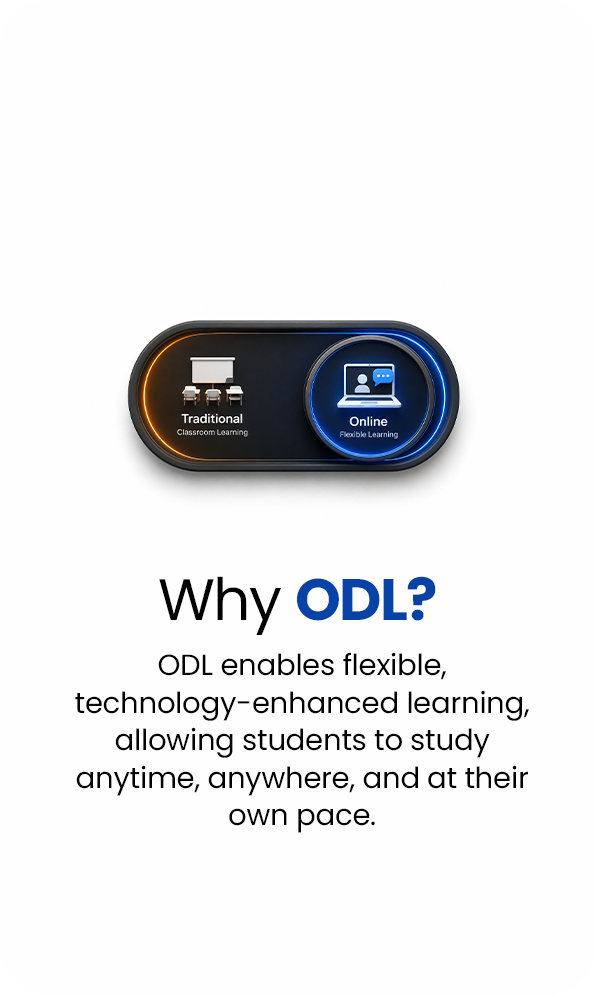
ODL combines digital learning materials, recorded lectures, online discussions and the e-Learning platform for a flexible and engaging experience.
Digital Learning Materials (SIM)
Structured materials online, designed for self-paced learning.
Recorded Lectures
Watch anytime, anywhere and learn at your own pace.
Online Discussions
Engage with lecturers and classmates through discussions.
e-Learning Platform
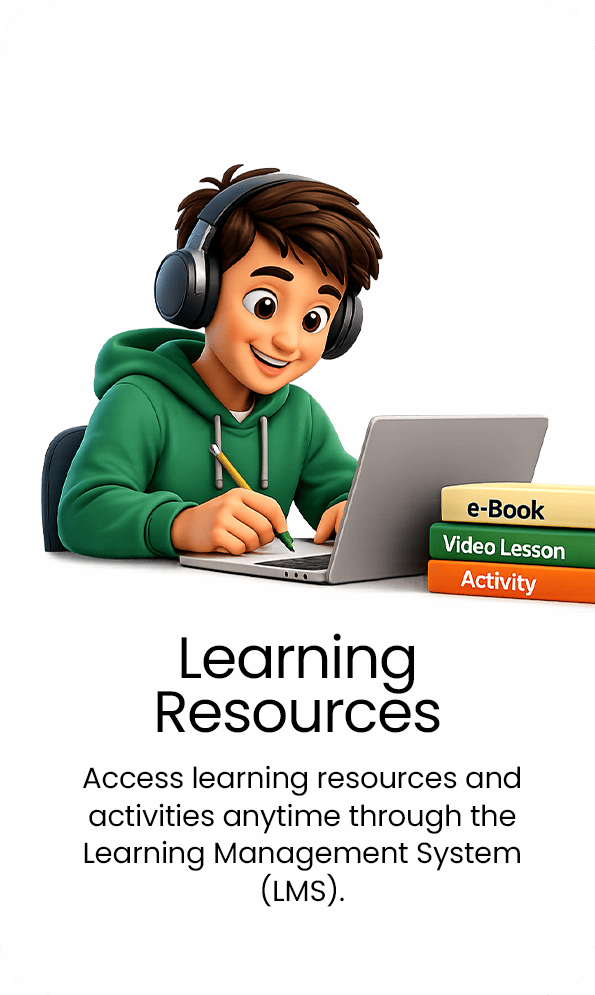
Access resources, submit assignments and track progress.
Discover Our ODL Programme
Quality, technology-enabled education that supports lifelong learning.

Advance Your Career with CMBA
Develop strategic leadership, management and innovation skills through practical learning designed for today's professionals.
Explore CMBA →Getting Started
Follow this guide to access UNIMAS ODL services and begin your learning journey.
-
Student Registration
View the step-by-step guide for ODL student registration.
-
UNIMAS Portal & UNIMAS Now
Log in using your UNIMAS Identity (matric number) to access all online services.
-
ODL Student Orientation
Complete the orientation course. It appears under My Courses to help you get familiar with Moodle.
-
Course Registration
Complete both online registrations at the start of each semester.
Need Help with ODL?
Find your answers here.
How do I apply for an ODL programme?
Apply through the UNIMAS Online Application System (oas.aa.unimas.my) during the application period. Before applying, make sure you meet the entry requirements and prepare the required supporting documents.
How do I register for the semester and my courses?
All ODL students must complete two registrations at the beginning of every semester:
- Semester Registration: register yourself for the new semester.
- Course Registration: enrol in the courses you will take that semester.
Important: Semester Registration does not automatically register you for your courses. Both are mandatory and can be completed online.
What is the UNIMAS ODL e-Learning Platform and how do I access it?
myODL is the official Learning Management System (LMS) for ODL students. Use it to access learning materials, join online activities, submit assessments, communicate with lecturers and monitor your progress.
Access it here: myodl.unimas.my
What do I need to prepare for learning activities?
A computer or laptop with a camera, microphone and speakers, plus a strong Internet connection and a web browser.
How do I attend my online classes?
All learning activities are conducted through myODL (myodl.unimas.my). Depending on your course, learning may include:
- Self-paced learning materials
- Live online classes (if scheduled)
- Discussion forums
- Online quizzes and assignments
- Assessments
Log in regularly to check announcements, materials and your class schedule.
How to contact my lecturers?
Lecturer information is listed in each course on the e-learning platform. You can also use the UNIMAS Directory.
Do I need to attend physical classes?
Not necessarily. Some programmes are 100% online, while others may include face-to-face sessions for lab work, practical activities, workshops or other requirements.
Please check with your faculty or programme coordinator for details.
What support is available for ODL students?
Library, e-learning platform, finance, IT support, counselling and the ODL general help desk.
Where can I access my profile, results and resources?
Visit the UNIMAS Portal, or download UNIMAS Now, the official UNIMAS mobile app.
Where can I find the ODL Academic Calendar?
The calendar lists important dates such as Semester Registration, Course Registration, teaching weeks, examinations and semester breaks. Refer to it regularly so you don't miss any deadlines.
View it here: postgrad.unimas.my/academic-calendar